

Behind the Scenes: What We Do Every Month to Keep Your WordPress Site Safe

Your WordPress site collects donations, tells your story, and keeps you connected to your supporters. But WordPress websites do not maintain themselves. Plugins go out of date, small errors stack up, and one missed security patch can break a form or open the door to attackers. Every WordPress site we manage at Doing Good Digital gets a monthly maintenance pass. Here is what we do, and why it matters for your organization.
Back Up Before You Touch Anything
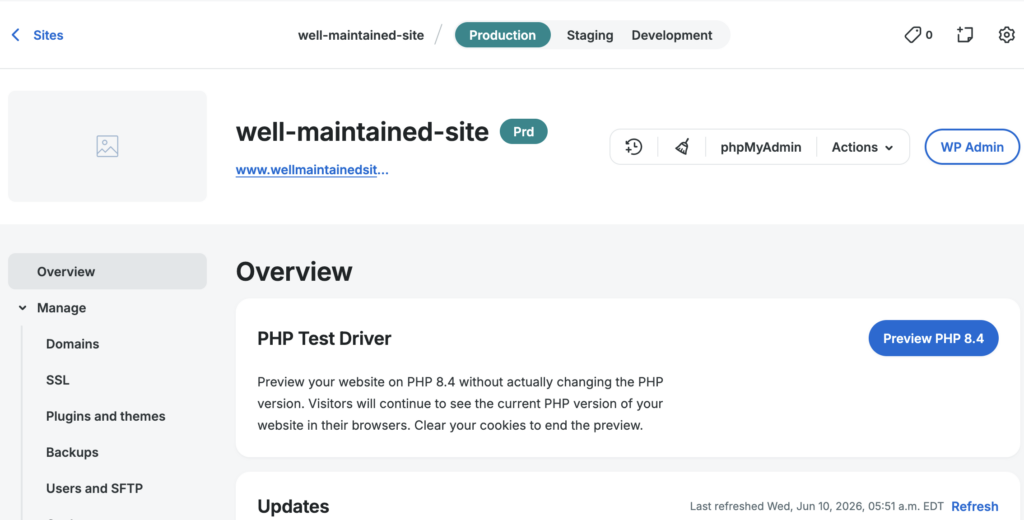
Before making any changes, we take a full backup of the environment. If something breaks mid-update, the rollback is immediate. No backup, no updates — it’s that simple.
We also run all updates on a dev or test environment first, click through the site to confirm nothing broke, then push to production and clear all caches.
Security Checks
Each month we review:
- User accounts: Remove accounts that haven’t logged in recently. Stale admin accounts are a common attack vector. We use the WP Last Login plugin to surface this quickly.
- Failed login attempts: We regularly review brute-force attempts to ensure there isn’t anything fishy going on.
- Malware scans: We scan through the security plugin or hosting environment to check for compromised files. We’ll also have a look at the site logs for any unusual activity which can be instrumental in pointing to common security breaches.
PHP, Core, Plugin, and Theme Updates
This is the bulk of the monthly work. We track every plugin, its active status, and its version before and after each update. Why that level of detail? Because a bad update, or a conflict between plugins, is much easier to diagnose when you have a paper trail.
What we update each month (when available):
- WordPress core: Always updated to the latest stable release. See the latest version here.
- PHP Version: With the faster pace of software changes in the AI era, we track this to ensure compatibility with the current/new WP Core versions.
- Plugins: Each active plugin is reviewed and updated where we can. Inactive plugins that pose a security risk get deactivated or removed entirely.
- Themes: Parent and child themes are updated to avoid known vulnerabilities
Site Health and Performance
The final step is a performance and health review, including:
- JS console errors: A clean browser console is a sign of a stable front end.
- Broken links: We recommend that every site have a broken link checker plugin installed to check for broken links, which hurt SEO and the user experience.
- Database optimization: We confirm whether scheduled database cleanup is running to keep query performance in check
- Caching: Confirm there is some type of cache active and configured (whether a hosting tool or standalone plugin.) An uncached WordPress site under load is a bad scene!
- Image compression: Confirm compression is active. If a compression plugin is deactivated or for any reason, we flag it and note whether images are being optimized before upload instead.
Technical Debt Cleanup
Small stuff that compounds fast if ignored:
- Post revisions — WordPress stores unlimited revisions by default. We check that revisions are capped or periodically purged to keep the database lean.
- Spam comments — Cleared monthly, if they exist. Spam in the comments table adds database bloat and can even occasionally surface on the front end!
Why This Matters for Our Clients
Nonprofit websites often run on lean teams with limited internal IT support. A plugin vulnerability left unpatched for three months is a real risk. A broken donation flow caused by a JS conflict after an update is a real revenue loss. Monthly maintenance isn’t glamorous, but it’s what keeps the site working the way it should, so your team can focus on mission, not maintenance.
Need help keeping your WordPress website secure and up to date?
We’d love to help!
Contact Us.